Product Description
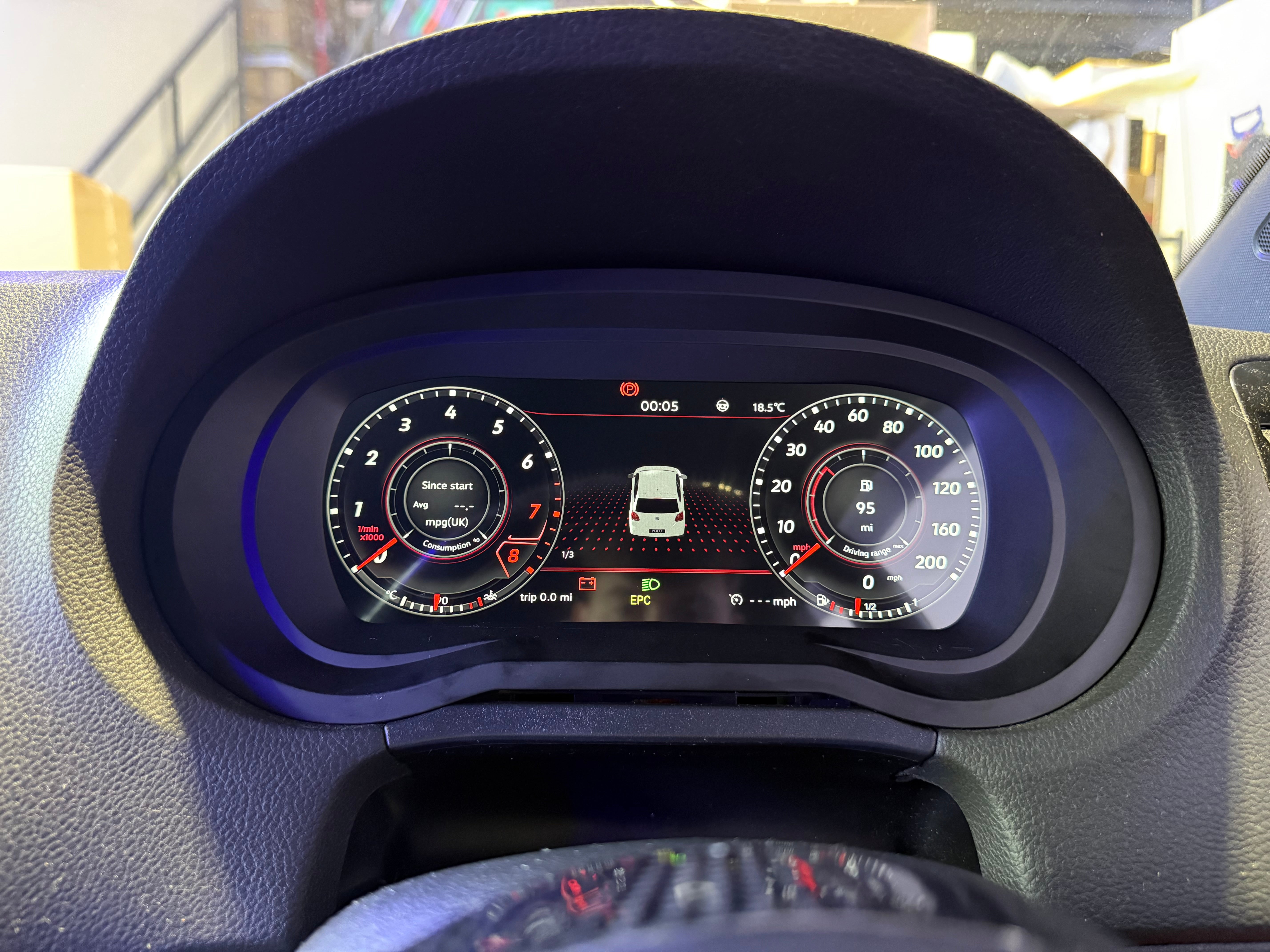
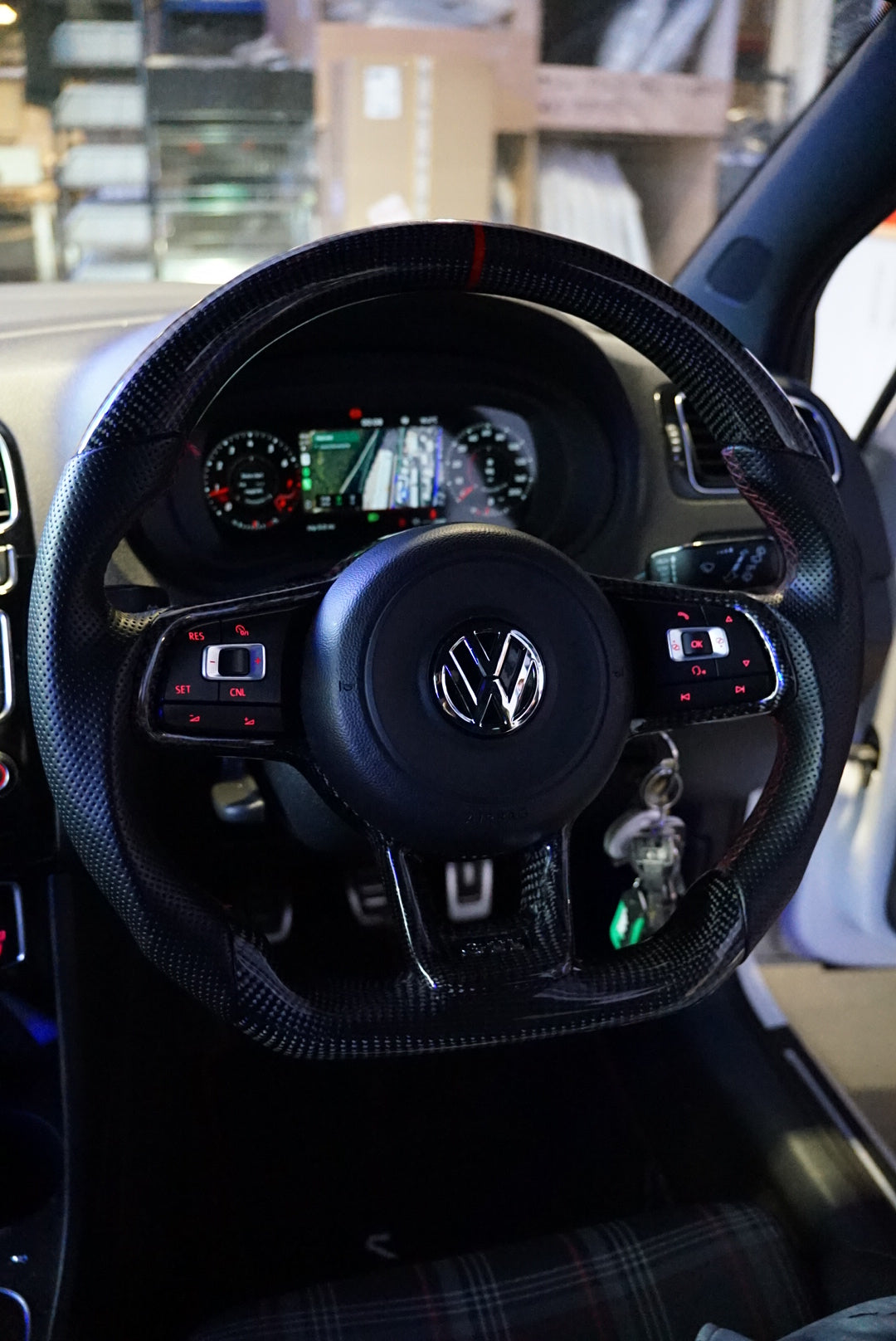
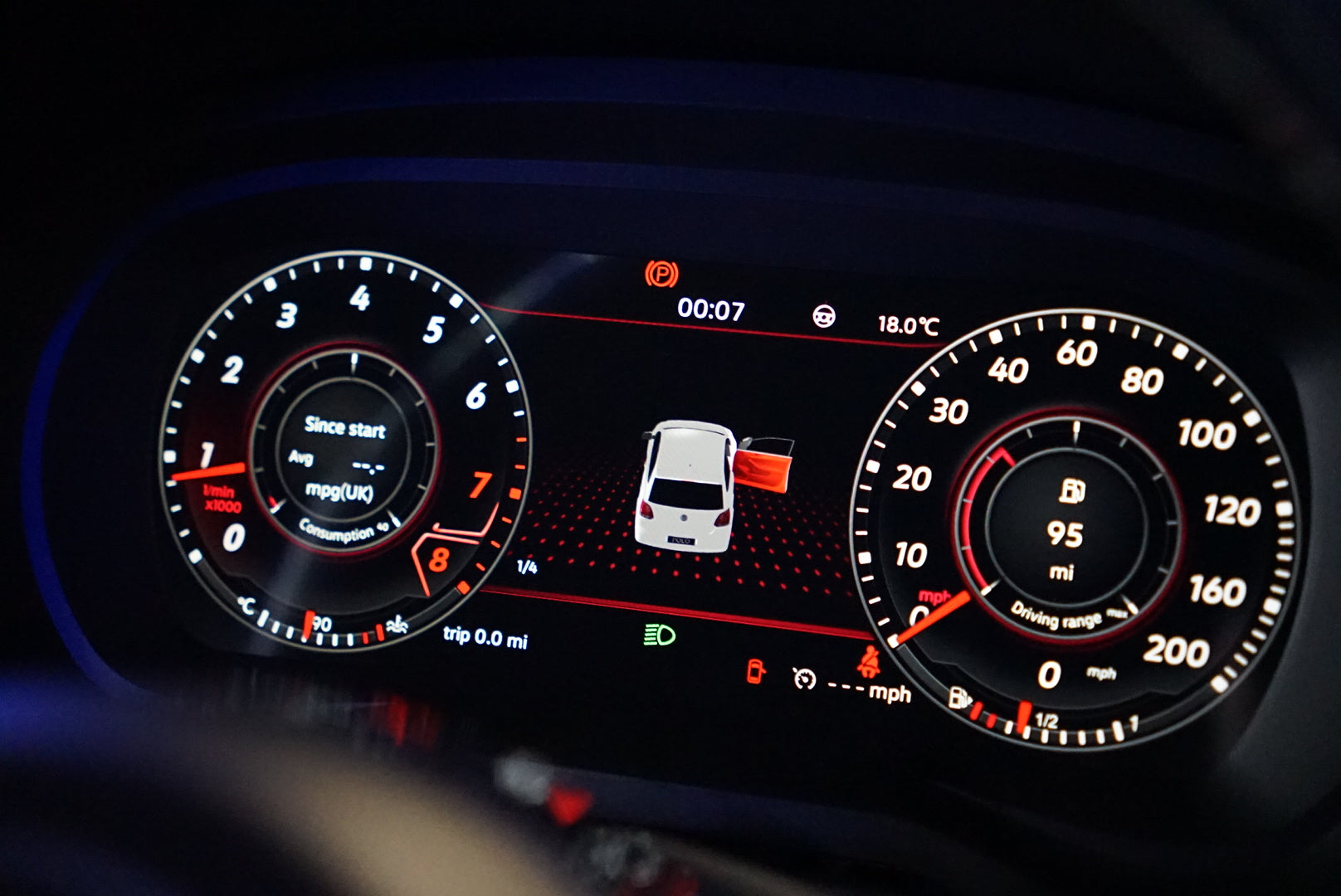
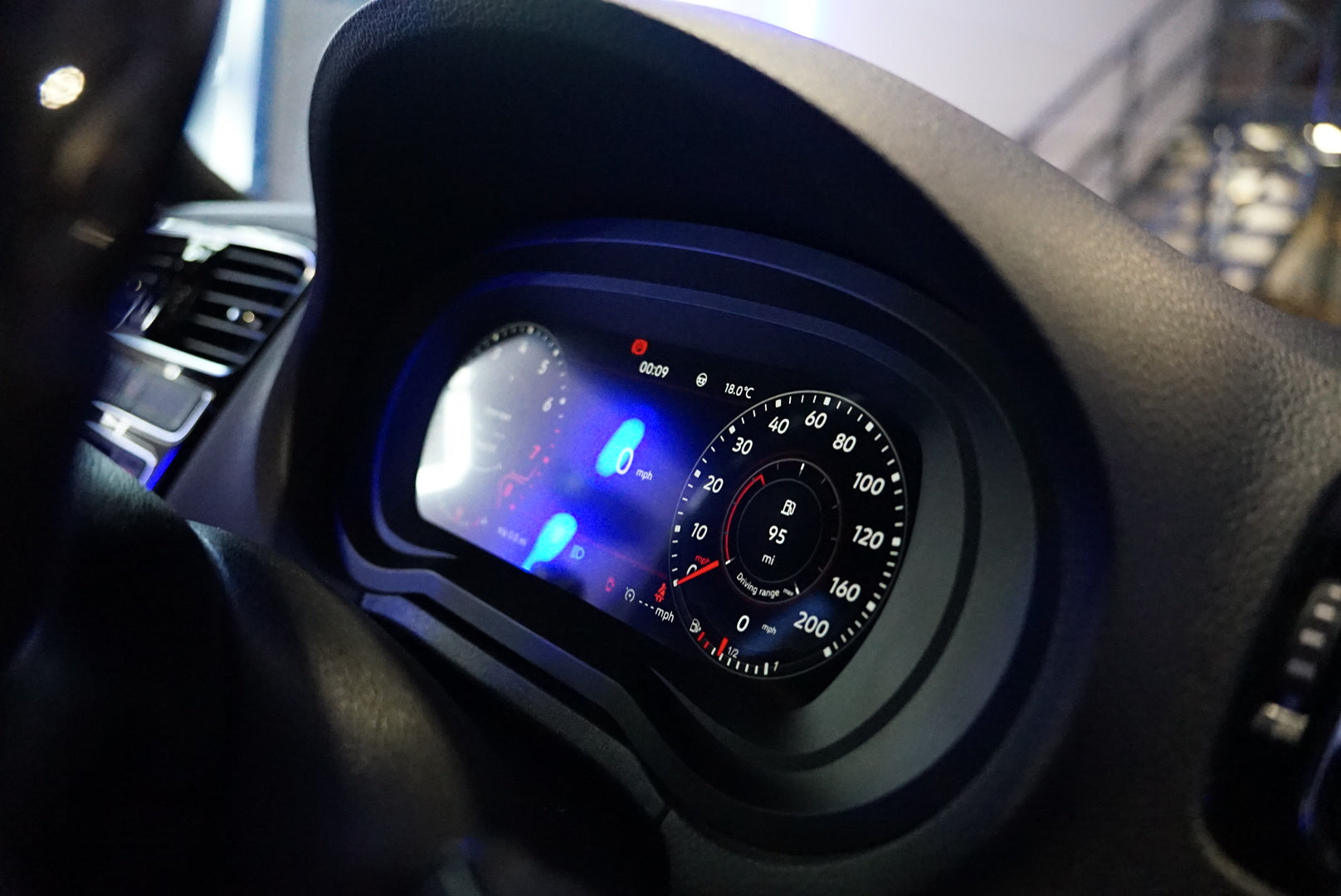
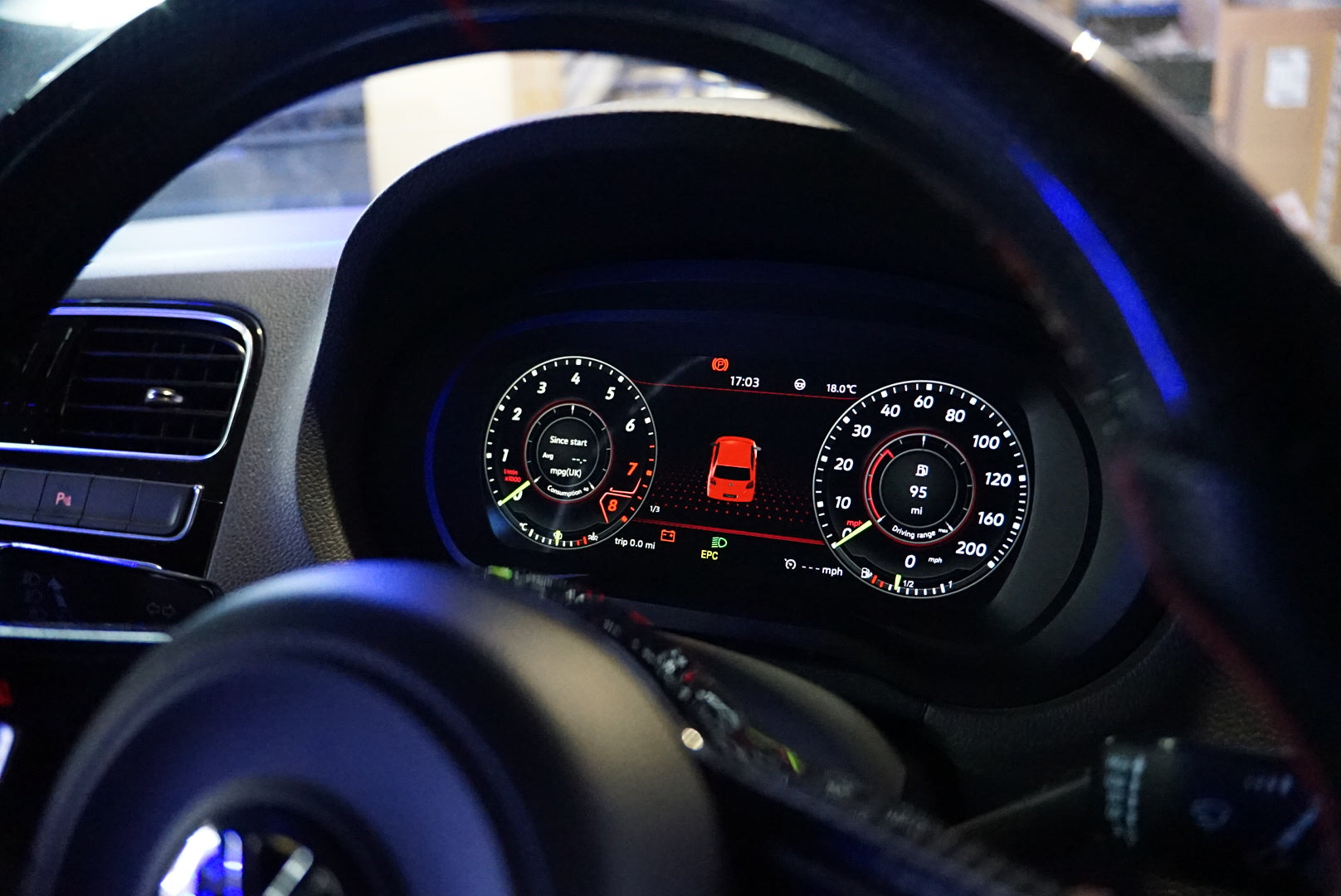
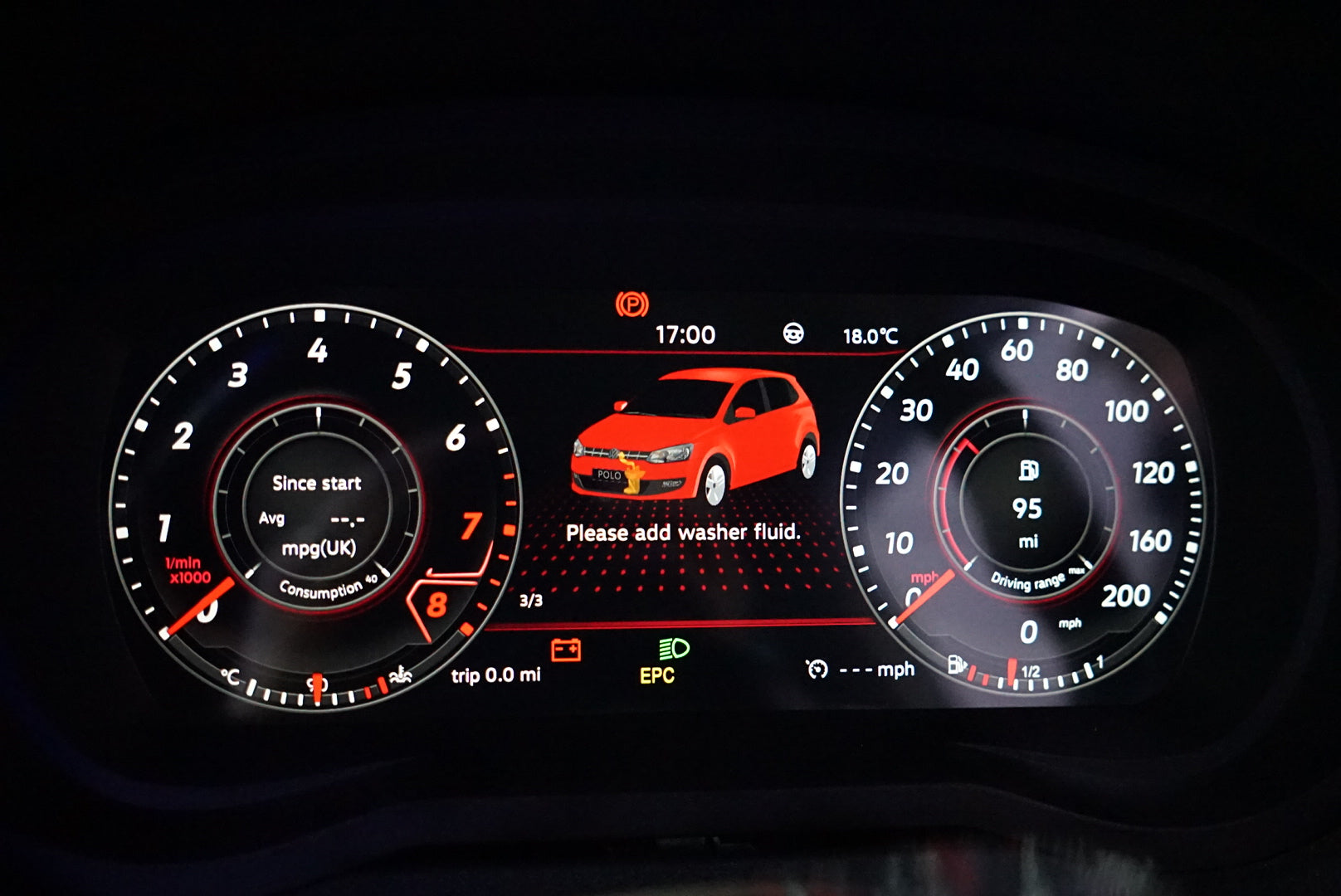
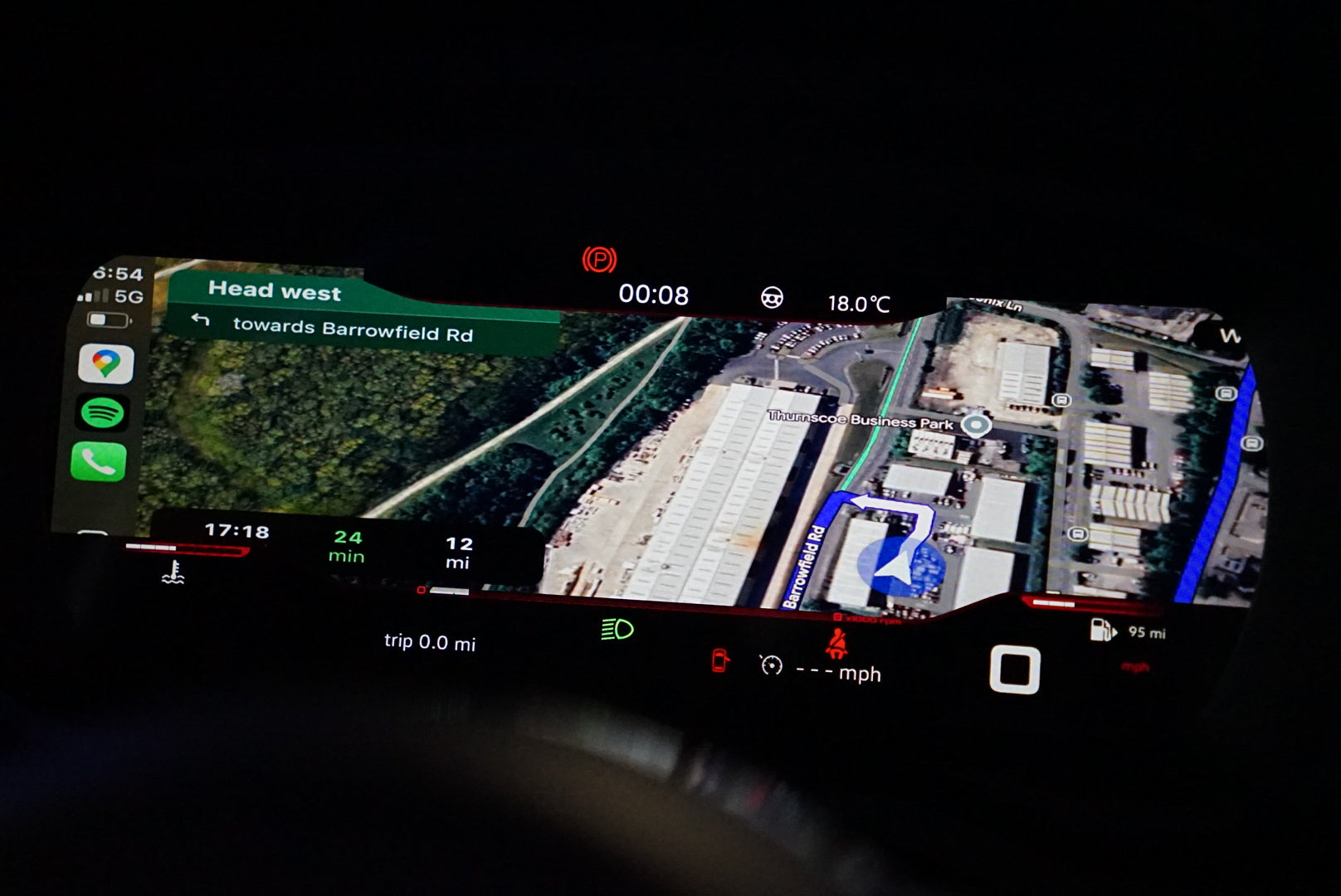
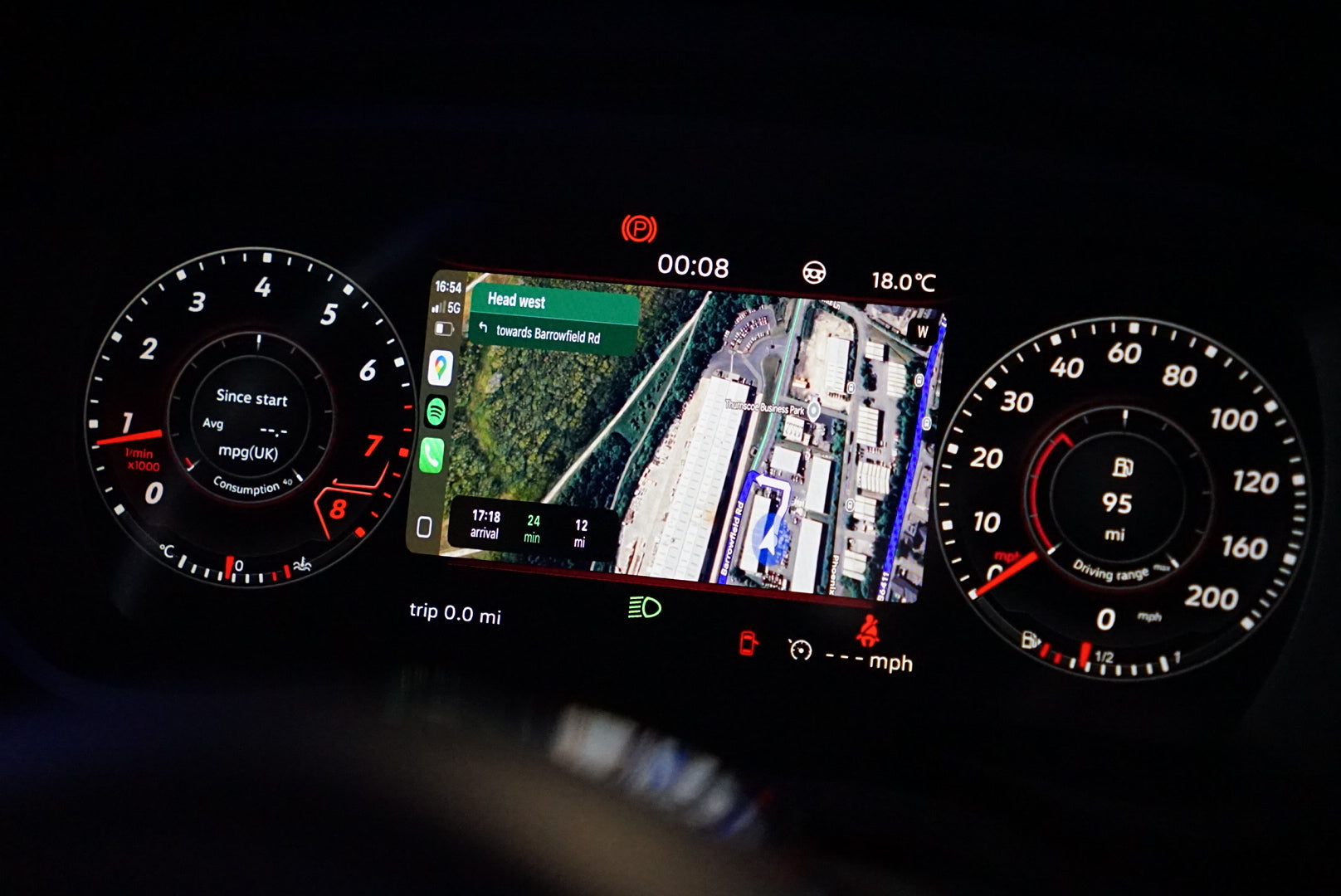
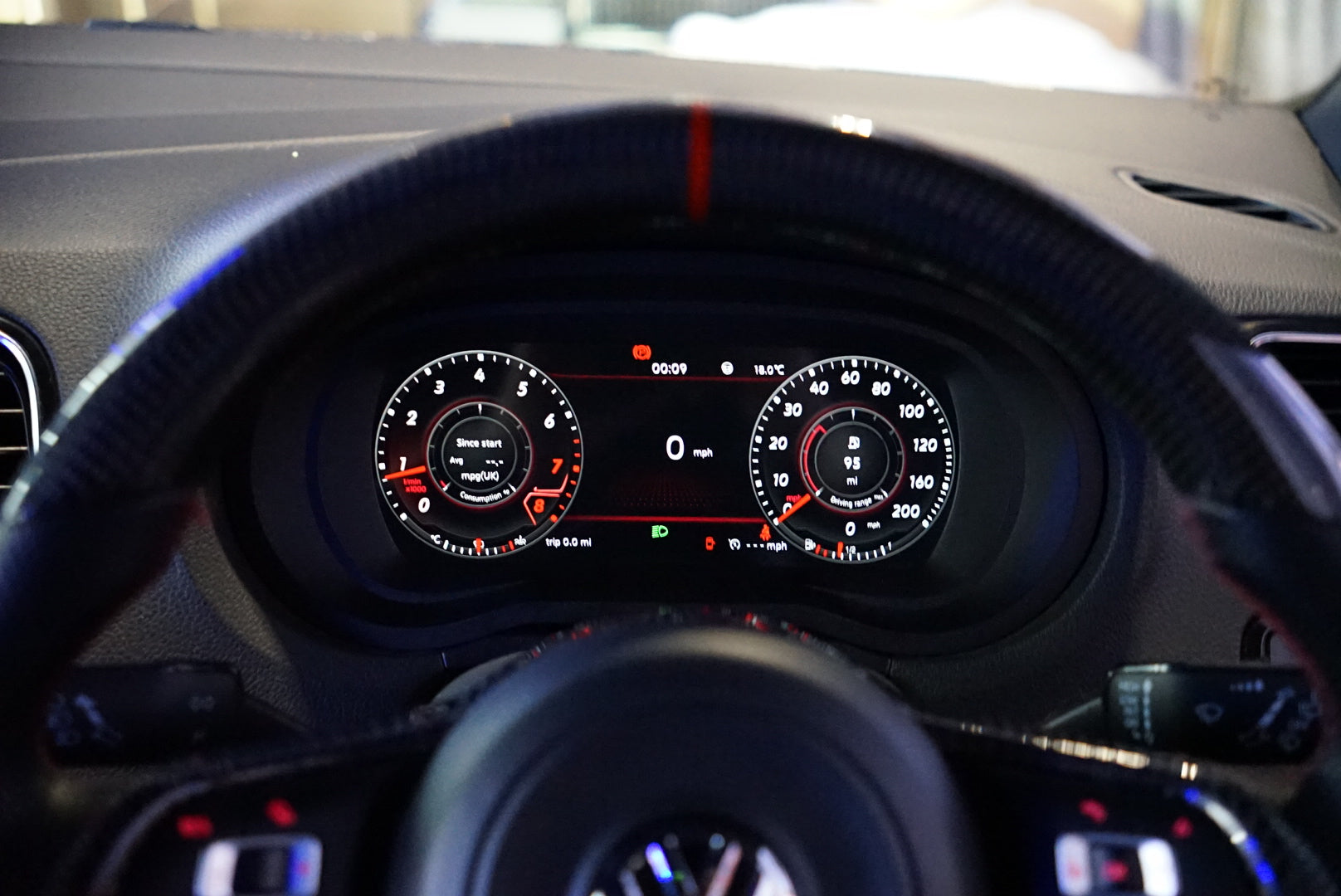
Transform your VW Polo MK5 with the 9" LCD Digital Instrument Cluster, designed for model years 2009 to 2017. This advanced display replaces your factory dashboard speedometer with a modern digital layout, complete with accurate vehicle data, customizable themes and optional Android navigation. No programming or coding is required during installation.
This digital instrument cluster is an aftermarket upgrade created specifically for vehicles that did not originally offer a factory virtual cockpit, or for drivers seeking a cost-effective alternative to OEM digital displays. Because your original motherboard is transferred into the new unit, all information shown on the digital cluster remains precise and reliable. In other words, you get a fully digital experience without sacrificing the accuracy of your original gauges.
Suitable for 6R and 6C models. 6C may have a small gap at the lower end of the screen where the trim needs the display. This does not affect use.
Key Features
Accurate OEM Data
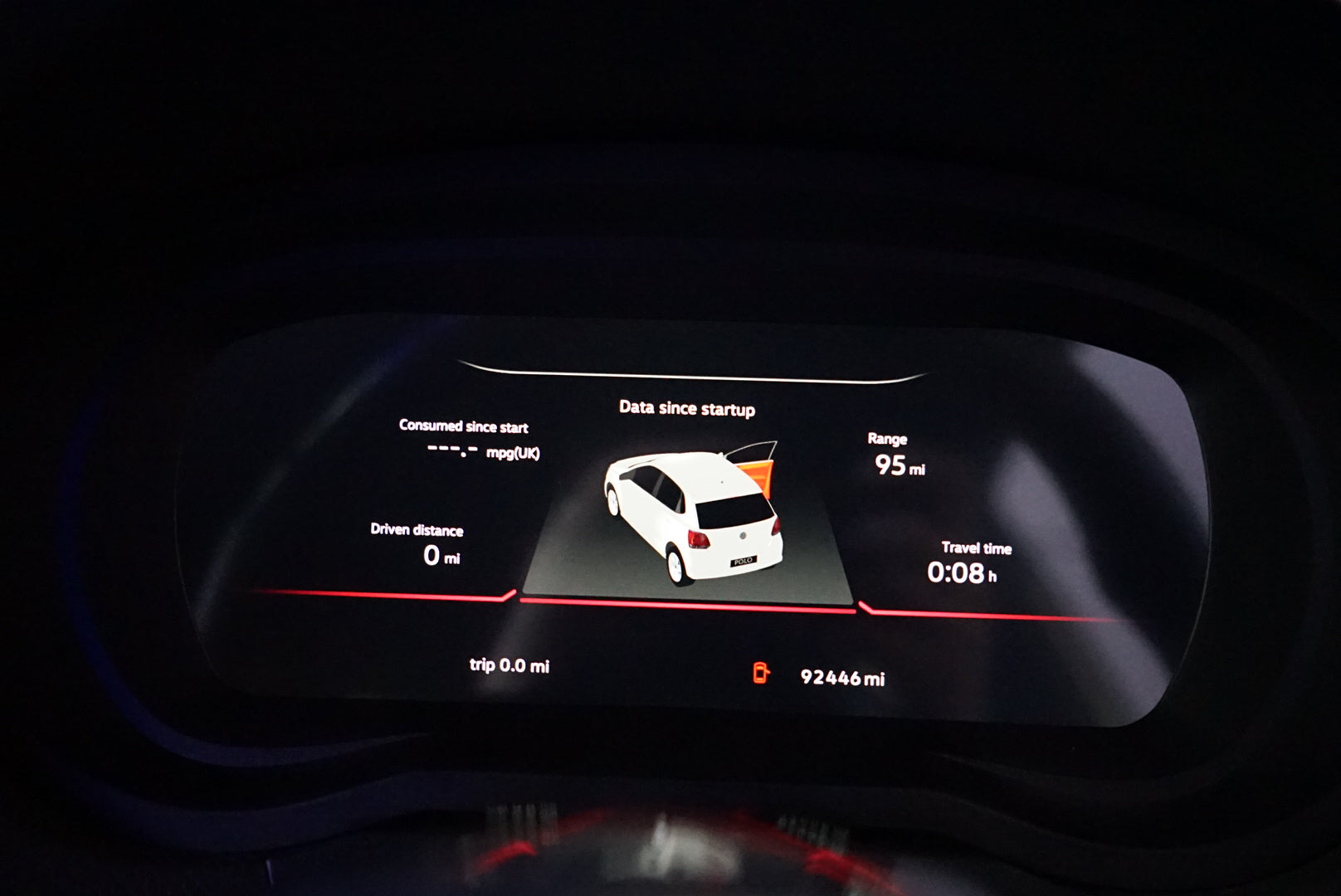
Since your original motherboard is reused, all displayed information remains correct and fully synchronized with your vehicle, including:
- Speed and rev data
- Fuel consumption
- MPG information
- Oil temperature
- Travel time
- Tire pressure
Personalized Display Options
Tailor your cluster to match your exact vehicle:
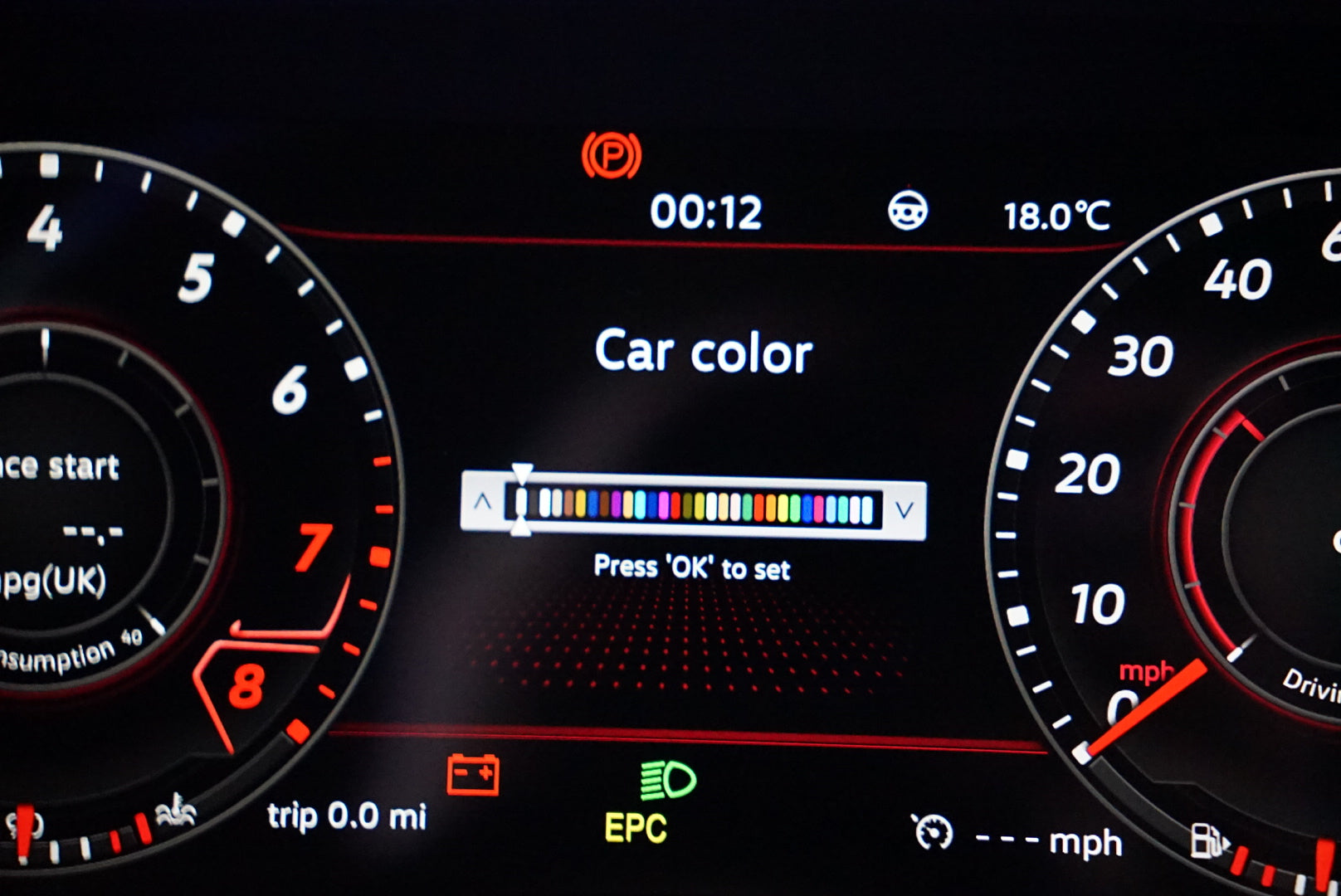
- Select your model and vehicle colour
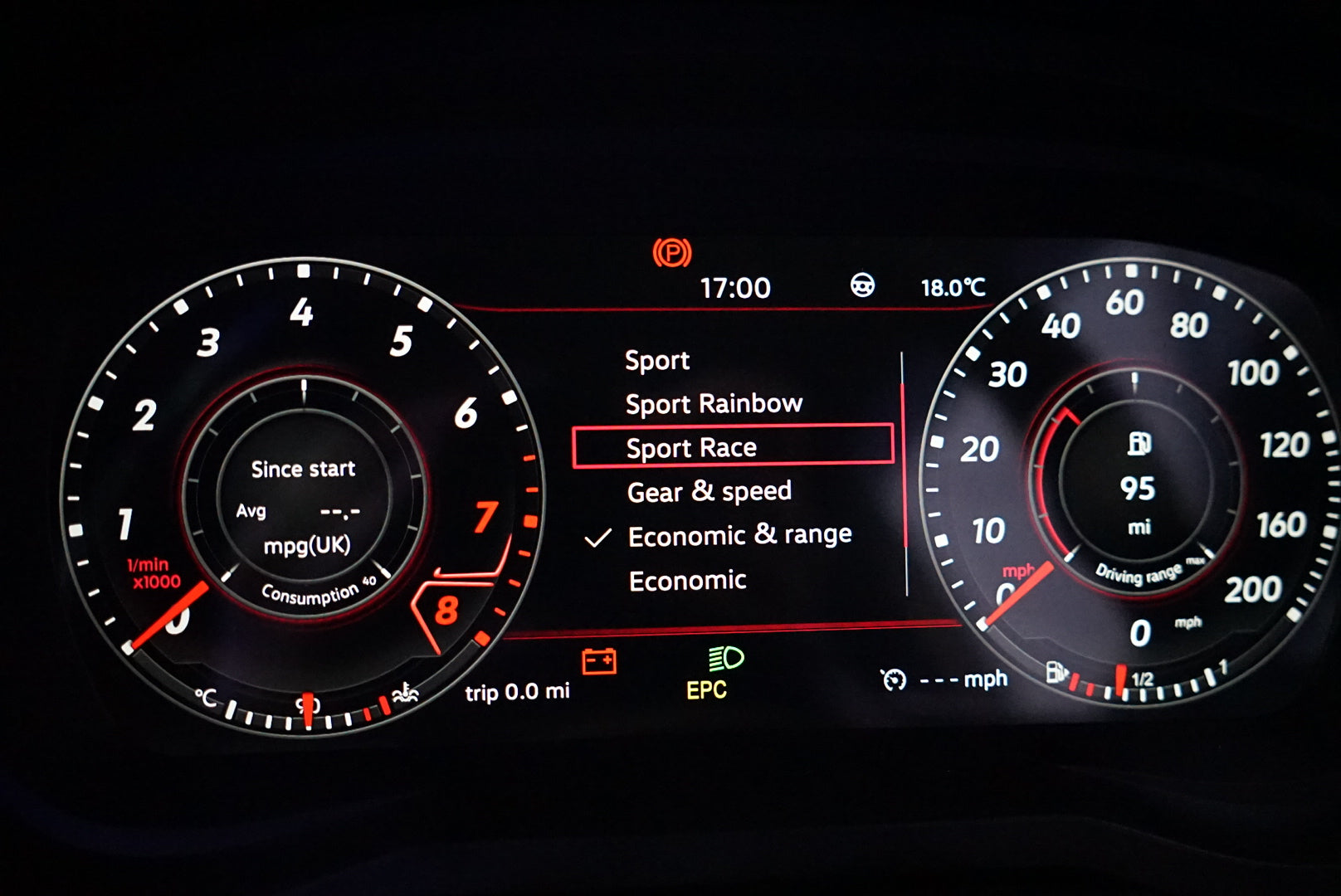
- Choose between MPH or KMH, litres or gallons and multiple unit formats
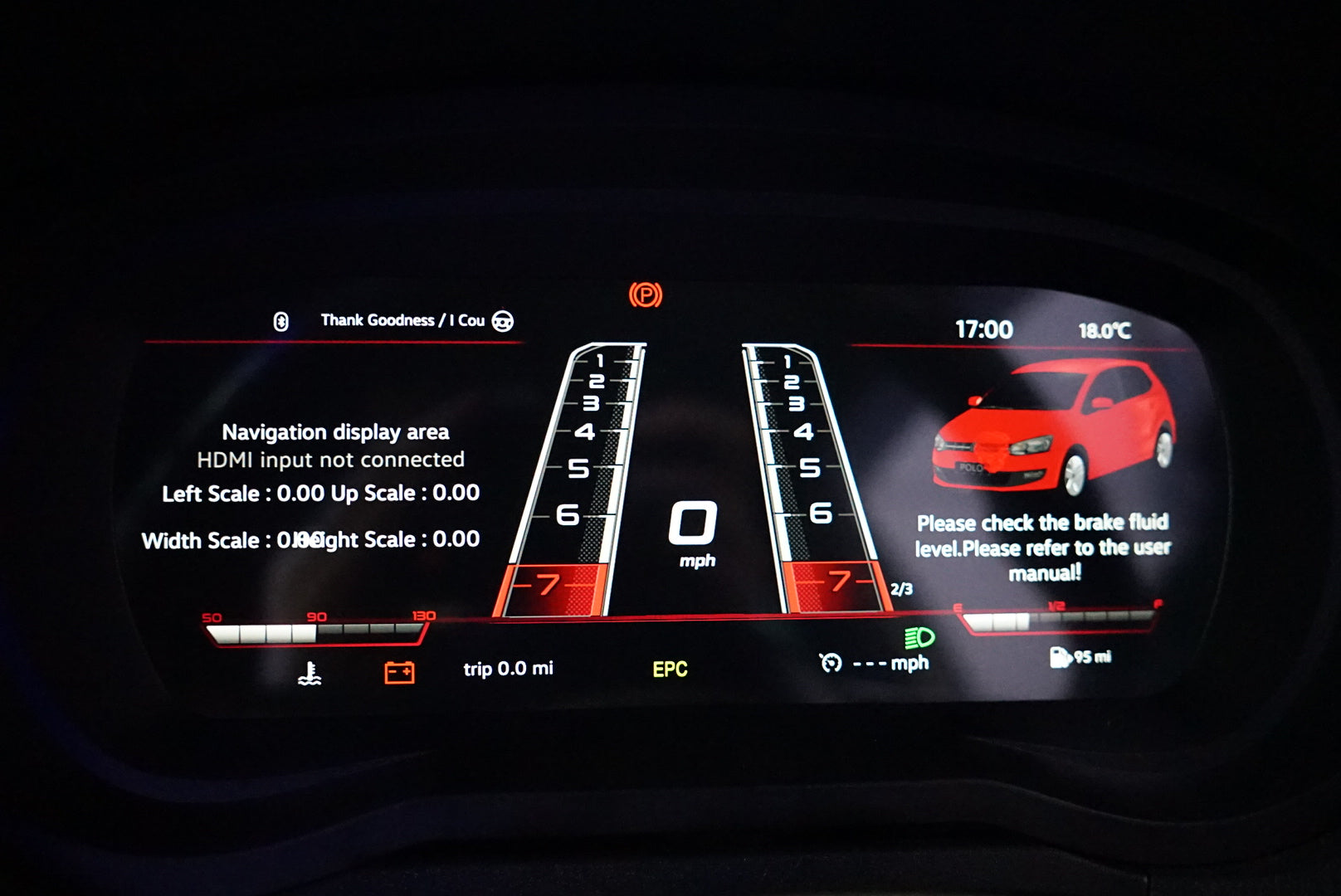
- Over seven display modes including sport, comfort and technology styles
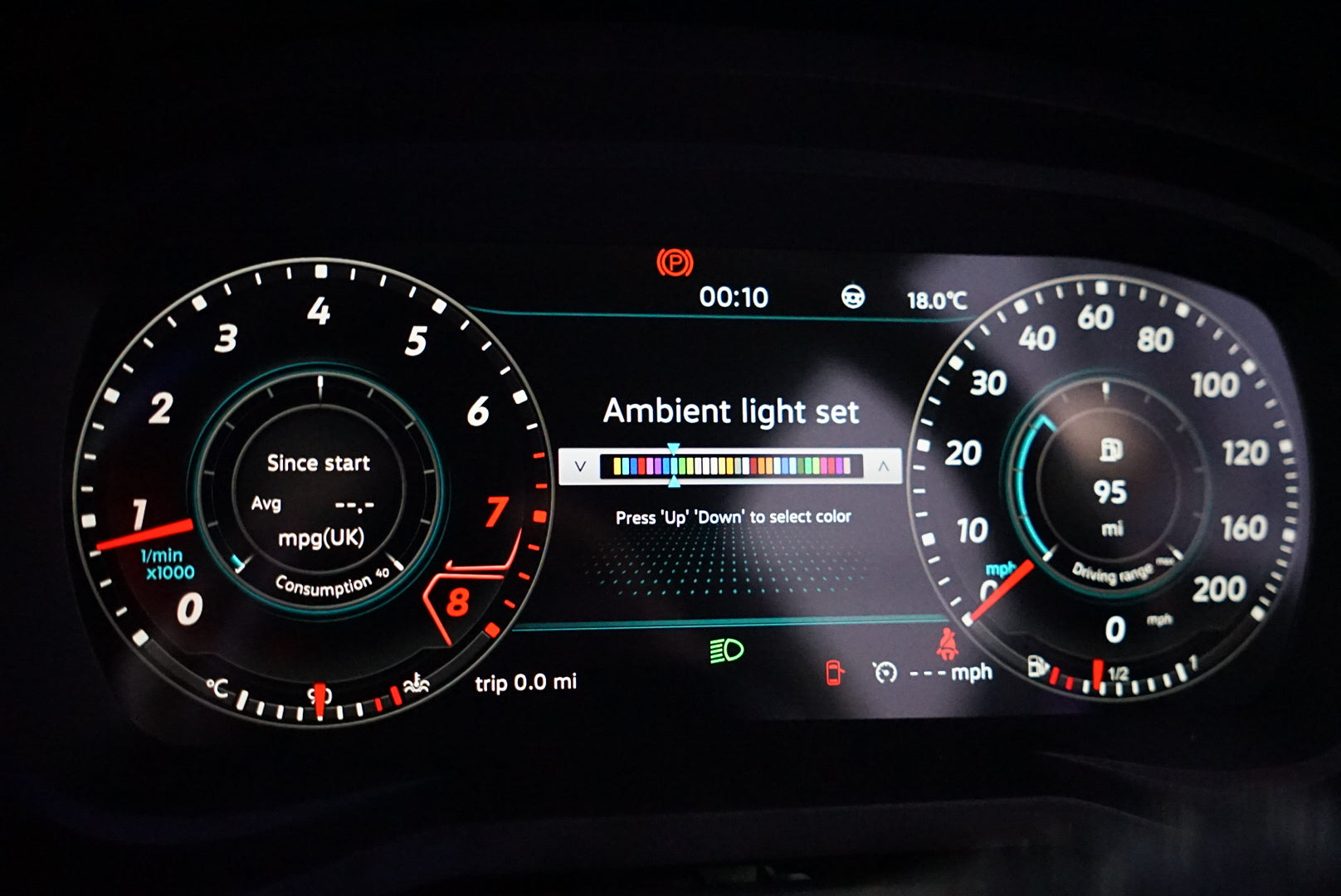
- Adjustable ambient lighting colours
- Custom pointer colours allowing separate theme and needle combinations
9" HD Digital Instrument Cluster
- High-resolution IPS display
- 1920×720 clarity
- Smooth animations and customizable layouts
- Includes start-up animation for an authentic VW feel
Linux Operating System
- Automotive-grade software
- Fast start-up under two seconds
- Designed for stability and reliability
Convenience Features
- Edit available vehicle features such as ACC, auto-wipers, auto-locking and more (depending on your car's factory equipment)
- Reset service intervals directly on the cluster
- All warning lights function exactly as they do on the original dashboard cluster
- 12-month warranty included
Vehicle Compatibility
Volkswagen Polo MK5
Applicable Years: 2009 to 2017
CLICK HERE FOR THE INSTALLATION GUIDE FOR THIS PRODUCT
Compatibility & Installation FAQ
Compatibility at a Glance
| Question |
Answer |
| Which body codes are supported? |
6R (2009–2014) and 6C (2014–2017) — both are compatible |
| Does it fit facelift models? |
Yes. The 6C facelift (2014–2017) is supported. A minor gap may appear at the lower screen edge on some 6C trims; this is cosmetic and does not affect function |
| Are BlueMotion or GTI variants compatible? |
Generally yes, provided the factory cluster connector layout matches. Verify your connector type before ordering if you have a specialist variant |
| Is it compatible with right-hand drive (UK) vehicles? |
Yes — the unit is fully compatible with UK right-hand drive Polo MK5 models |
| Does it work on non-UK/EU markets? |
Yes. MPH/KMH and unit settings are selectable on-screen after fitting |
What's in the Box
- 9" LCD Digital Instrument Cluster housing and display
- Wiring harness adapter (plug-and-play, matches OEM connector)
- Mounting hardware
- Your existing OEM motherboard / PCB is transferred into the new unit during installation — this is not shipped separately
Note: If you are unsure whether any items are missing from your order, contact us before beginning installation. Do not modify the original cluster until you have confirmed all parts are present.
Programming & Coding
No VCDS, ODIS, or dealer coding is required. Because your original OEM cluster motherboard is physically moved into this unit, the vehicle's gateway continues to recognise the same cluster address and security seed — no adaptation or component protection reset is triggered by the swap itself.
- VCDS / OBD tools are not needed to complete the installation
- Mileage, VIN binding, and immobiliser data remain on your original PCB and transfer with it
- On-screen setup (language, units, display theme) is handled via the cluster menu — no external tools required
However: If your vehicle already has an open component protection flag on the cluster (e.g. from a previous replacement or diagnostics session), that pre-existing flag will still be present after fitting. This unit does not introduce new component protection, but it cannot clear existing flags either. If you have an active cluster fault in VCDS before fitting, resolve it first or expect it to persist.
Component Protection
Component protection (CP) is a VW Group security feature that links certain modules to the vehicle's gateway. Because this upgrade reuses your original OEM motherboard, the cluster retains its existing CP status — the new housing does not alter or trigger component protection.
- If your car has never had CP issues: no action needed
- If CP was previously active or cleared via ODIS/dealer: your existing status carries over; no new CP is introduced by this install
- If you are unsure of your vehicle's CP history: a pre-install VCDS scan is recommended to baseline the cluster's current status
Common Post-Fit Symptoms & Fault Codes
| Symptom |
Likely Cause |
Resolution |
| Cluster warning light on dash (e.g. instrument cluster fault in other modules) |
Pre-existing stored faults in gateway or BCM that were masked by the old cluster |
Clear stored faults with VCDS or OBD reader after fitting; these are not caused by the new unit |
| Mileage displayed incorrectly |
OEM motherboard not seated correctly in transfer process |
Re-seat the PCB; contact us if the issue persists |
| CAN bus error light (e.g. on ABS or ESP module) |
Loose harness connector during installation |
Check all connectors are fully seated; clear faults with OBD tool |
| Screen does not power on |
Wiring harness not fully connected, or ignition not in position II during test |
Verify harness is fully clicked in; test with ignition on (not engine running) |
| Speedometer reads slightly off |
Tyre or final drive ratio mismatch in on-screen settings |
Adjust vehicle settings in the cluster menu to match your model |
Installer Requirements
-
DIY-friendly: Installation does not require professional garage equipment or dealer tools
- Basic trim removal tools (plastic pry tools) and a T10/T20 Torx screwdriver are needed
- The most critical step is carefully removing the original PCB from the factory cluster and transferring it to the new housing — follow the installation guide closely
- ESD (static discharge) precautions are recommended when handling the bare PCB
- Estimated install time: 60–90 minutes for a first-time installer
- A VCDS or generic OBD II reader is optional but recommended to clear any pre-existing stored faults after fitting
Full step-by-step installation guide →
Support
If you have a question before ordering or run into an issue during fitting, contact us directly — we're here to help.
- Pre-sales compatibility questions: use the chat on this page or email us
- Post-fit technical support: covered under your 12-month warranty
- Fault code queries: include a screenshot or code reference when contacting us for the fastest response